
Clean up your gallery after a trip: what to do with hundreds of photos and videos
You get home from a trip with six hundred photos and a phone that will not back up. Half of them are the same sunset four times over, plus a nine-minute video of a street you have already forgotten. The memories are in there. So is a lot of duplicate weight. Here is how I clean up after a trip without deleting the shots I will want in ten years.
Separate duplicates from similar photos
A duplicate is a repeated image; similar photos can show different expressions, focus, or moments. Apple Photos offers a Duplicates collection. Do not assume it will gather every burst or similar sunset.
Use the duplicate-photo guide for the Apple Photos workflow and a comparison with manual review. A missing Duplicates collection does not mean every photo is worth keeping.
Keep the best of each near-identical set
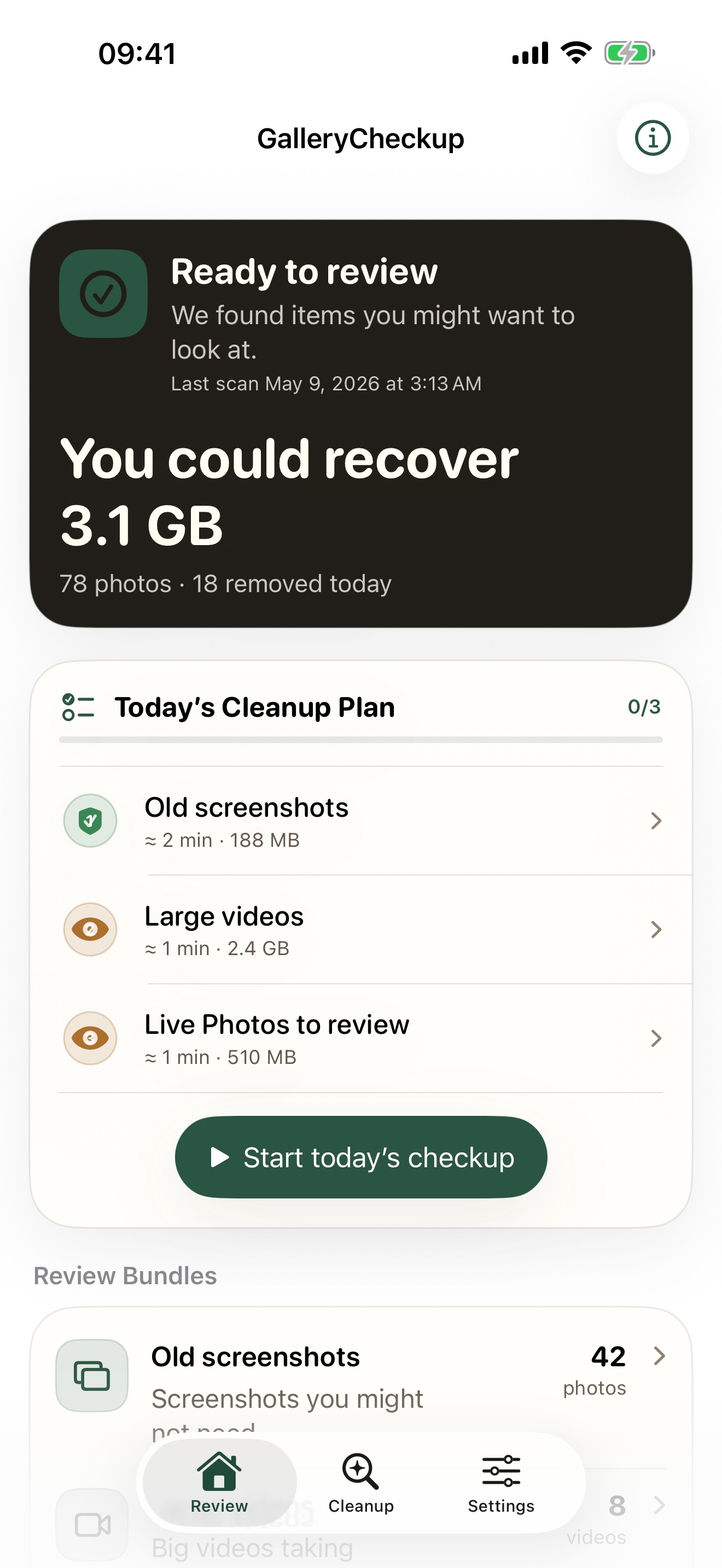
Gallery Checkup groups similar photos so you compare the almost-the-same shots side by side and keep the winner. One at a time, calm, favorites protected. This is the bundle that gives back the most on trip photos, because we all take five of everything now.
Long videos: trim, do not trash
That nine-minute clip is probably ten good seconds. Instead of deleting the whole thing, trim it to the part you want, or compress it to 1080p. The app does both on the device and saves a new file, so a single long video can hand back hundreds of megabytes.
Finish one day of the trip at a time
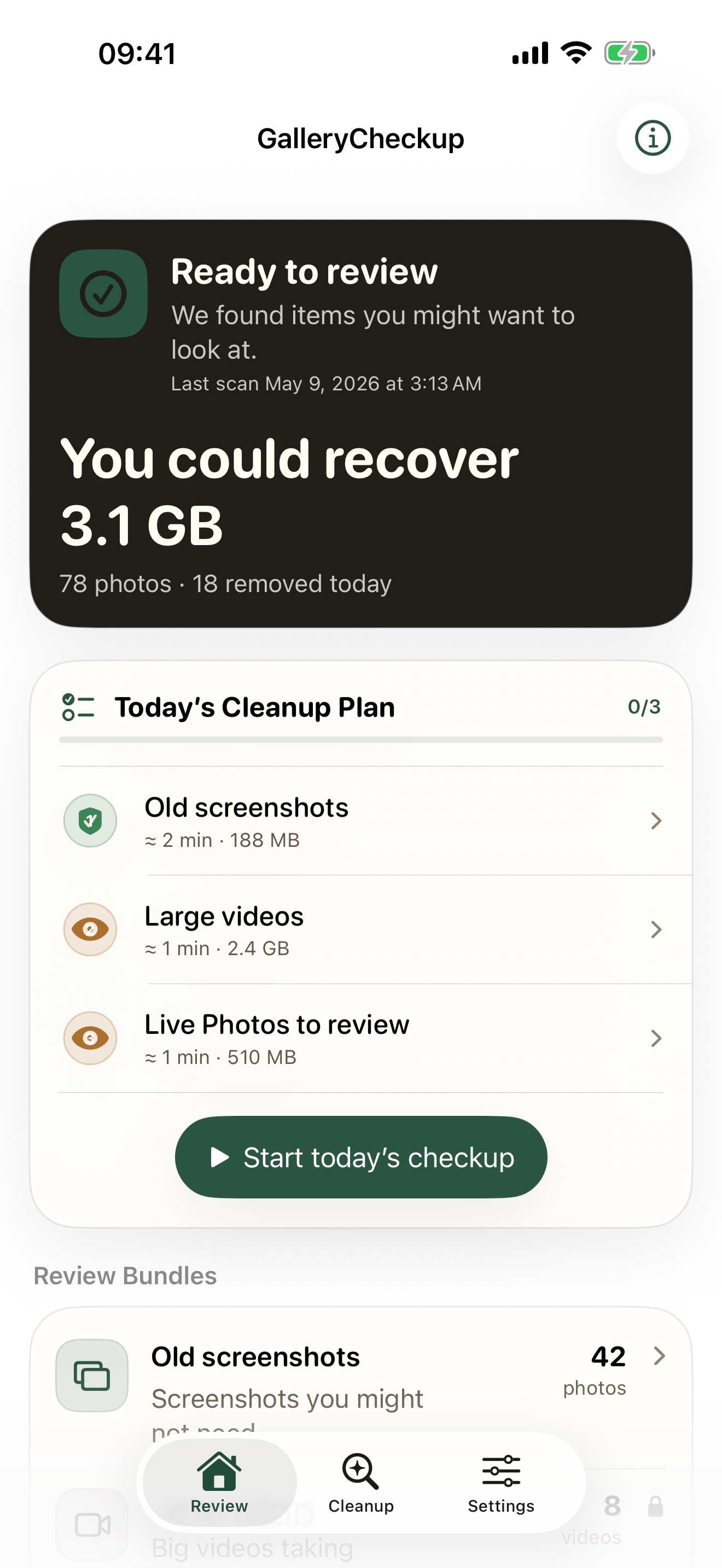
- Keep a separate backup of the trip photos you cannot replace.
- Choose one day or location to review.
- Compare faces, focus, and the story of each similar shot.
- Mark the photos you want to retain as favorites.
- Review the proposed removals before confirmation.
For clips, use the video compression guide. An exported copy takes extra space until you remove the original. Check its sound, picture, and duration first.
Stop if you are unsure about a photograph. A smaller review session is more useful than a rushed decision across the whole trip.